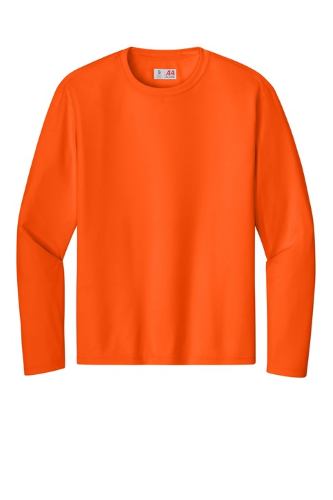
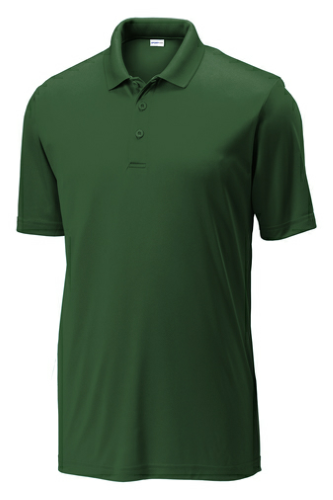
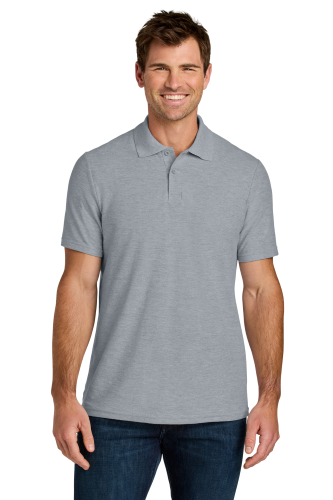
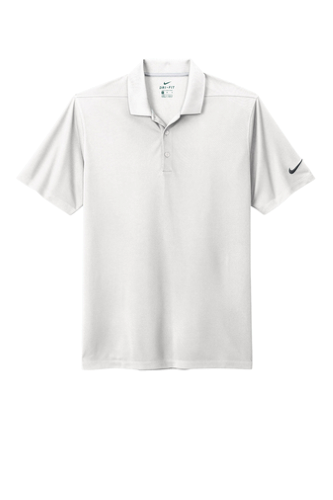
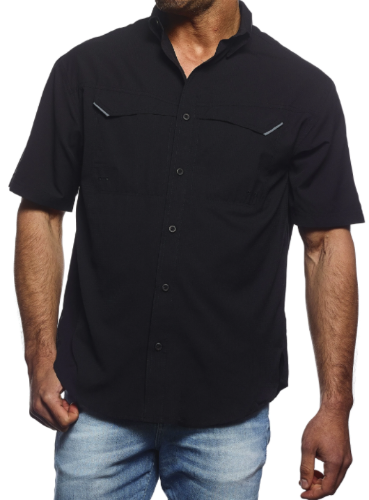
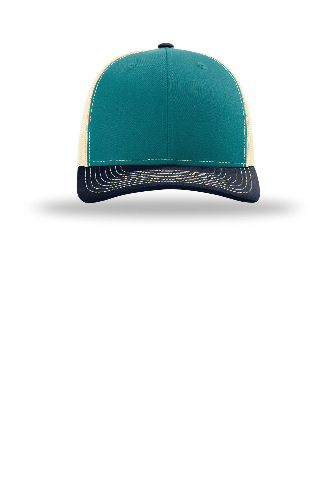
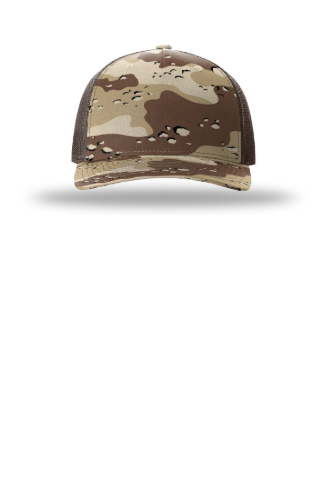
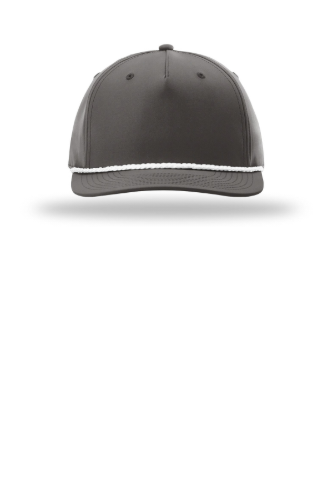
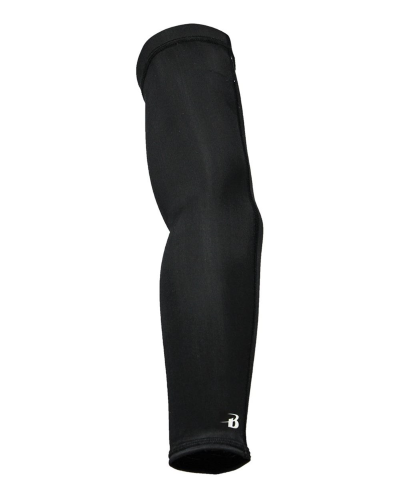
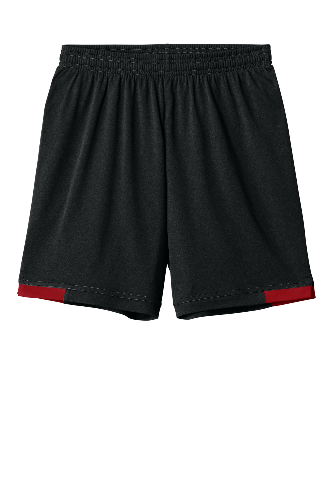
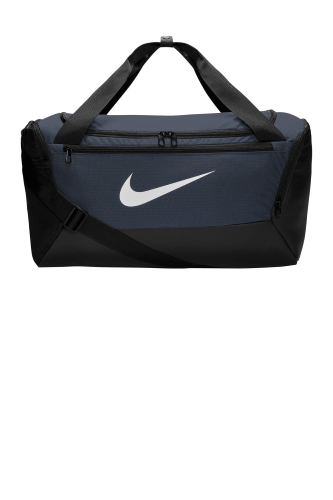
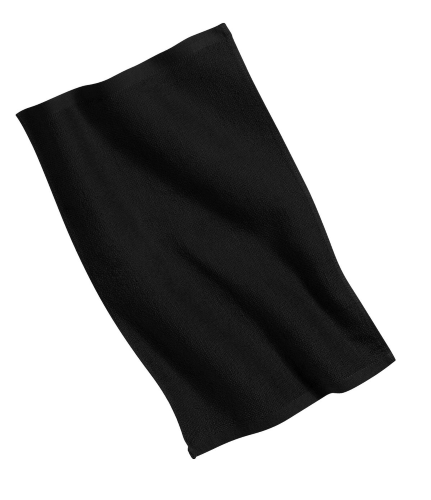
Choose Your Product
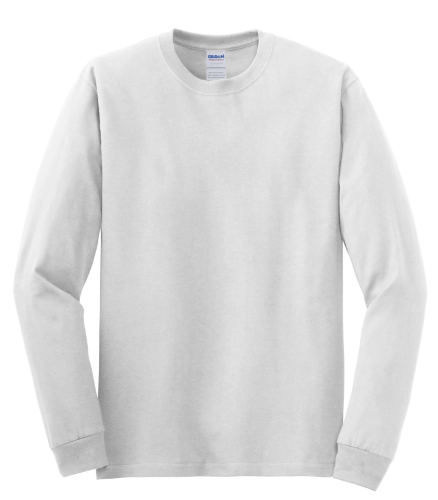
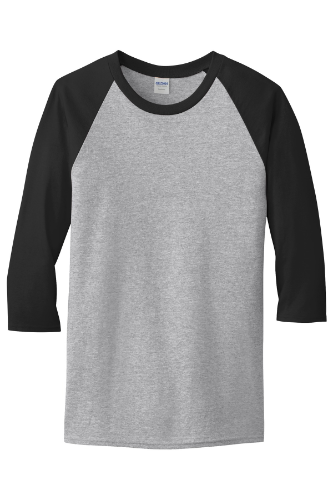
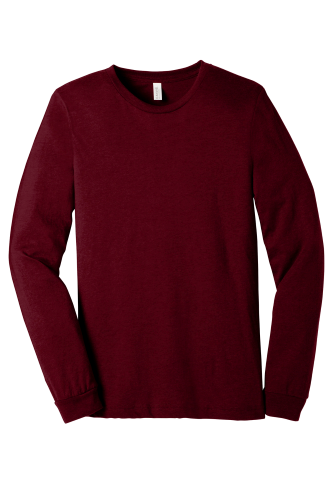
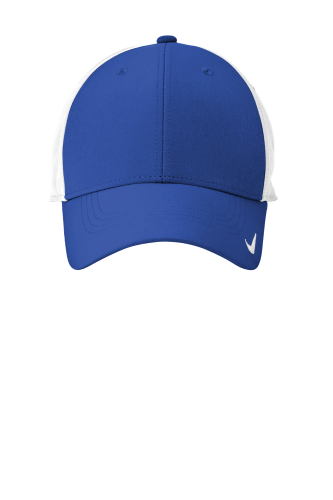
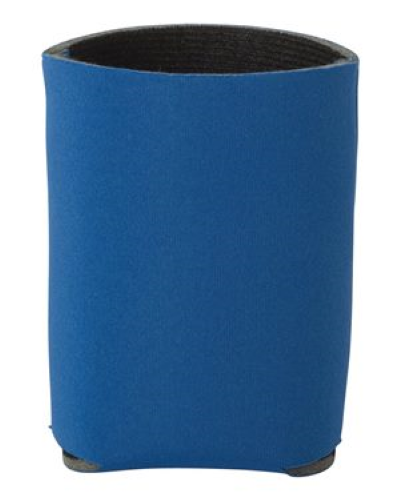
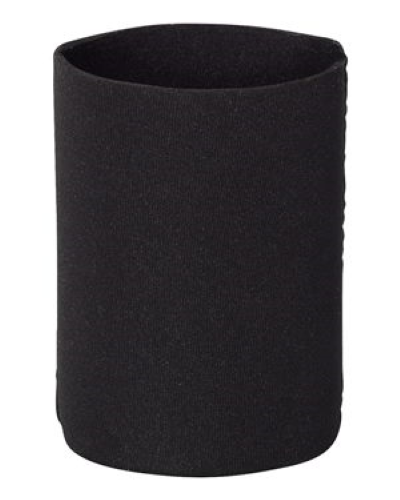
Select the shirt, hoodie, polo, cap or other item you want to customize, then choose your preferred product color.
Select an item below, choose your color, and upload your artwork in our online designer.
For full-color DTF printing, choose Full Color. For screen printing, select the number of colors in your design for accurate pricing. Need help? See our Online Designer Guide below.
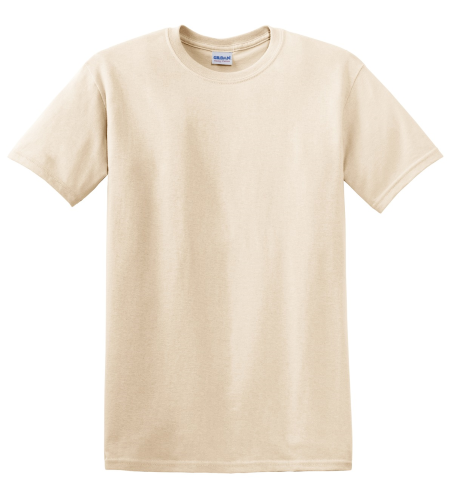
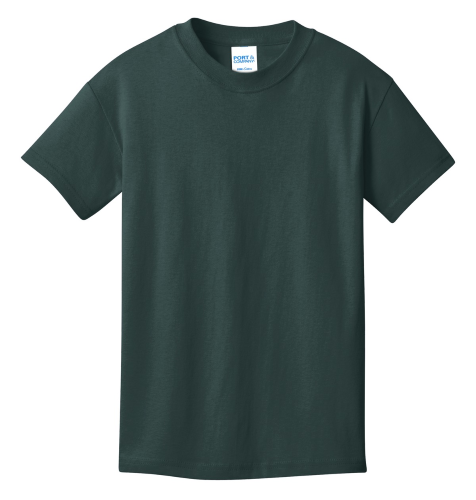
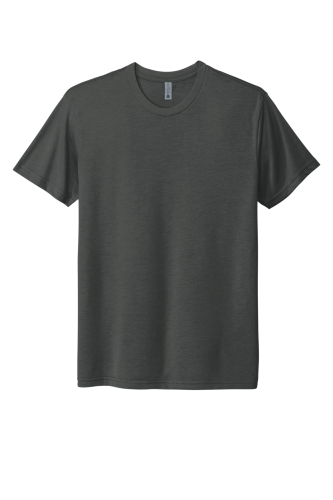
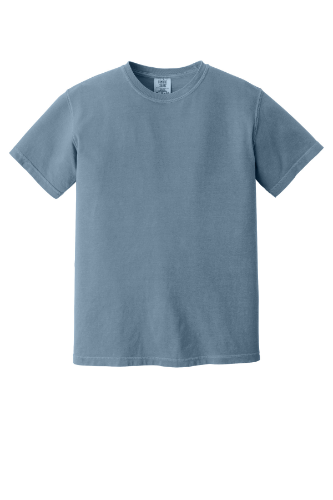
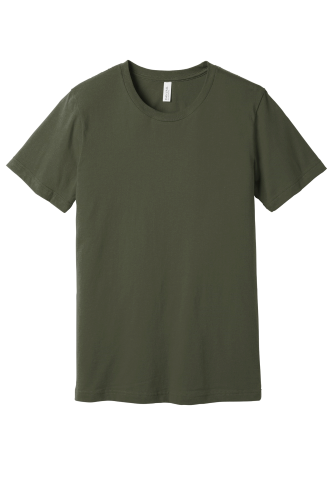
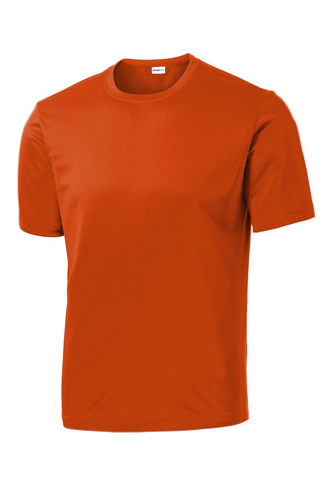
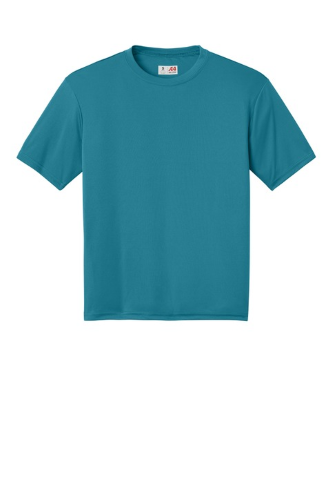
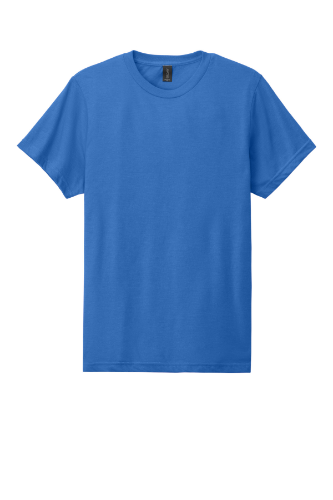
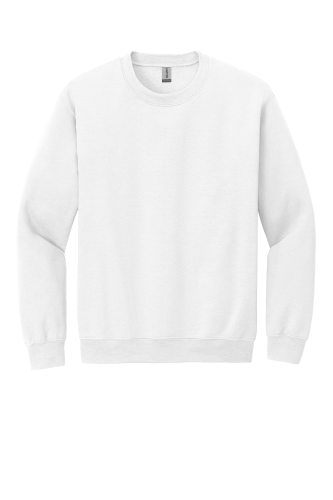
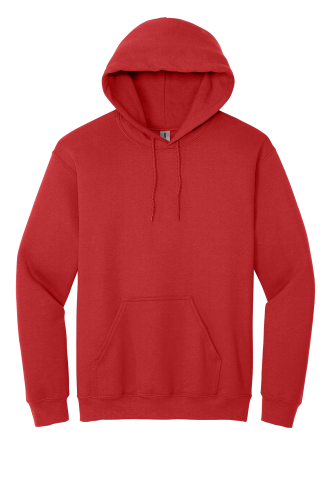
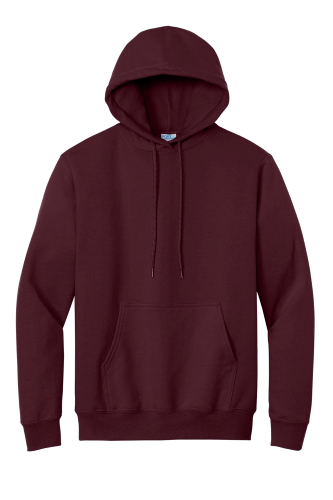
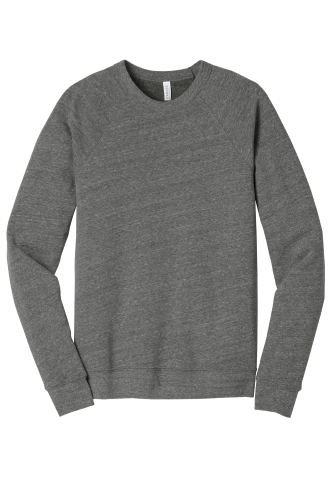
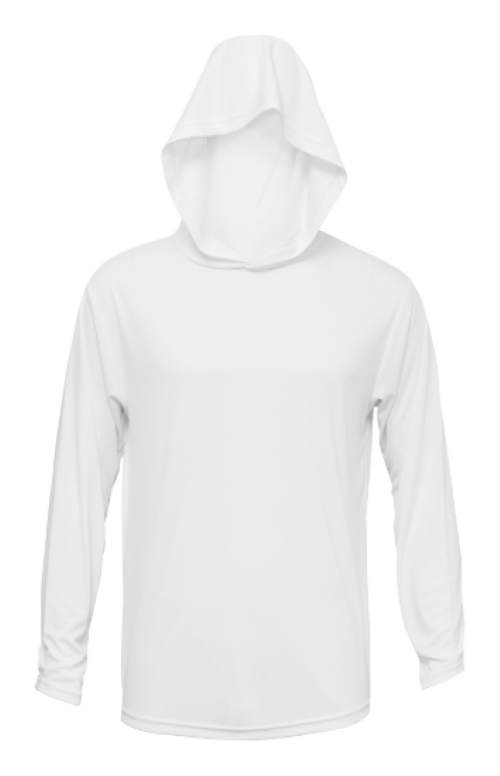
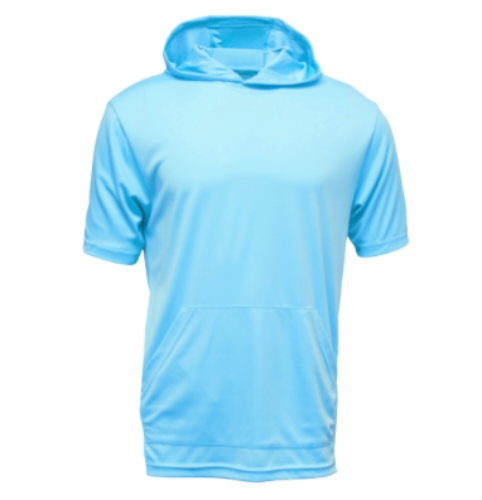
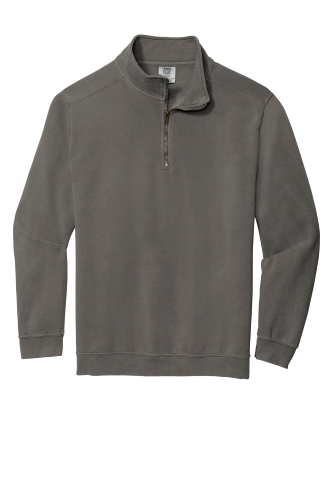
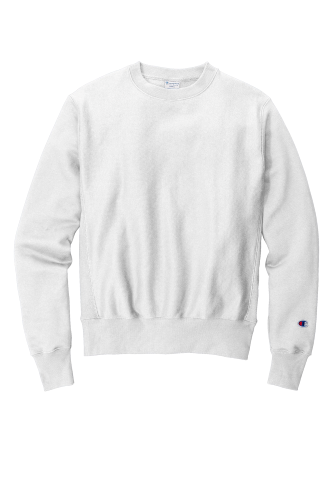
Don't see an item you're looking for on the product designer? Visit our product catalog pages which have thousands of styles and designs from hundreds of top name brands. We can get it added to the designer or mock it up for you, just let us know!
New to Our Online Designer?
Choose the product you want above, then use our online designer to create your shirt, hoodie, polo, cap or other custom item. Follow these four simple steps to get started.
Select the shirt, hoodie, polo, cap or other item you want to customize, then choose your preferred product color.
Upload your own logo or artwork, add text, or use available design elements to create the look you want.
Enter the sizes and quantities you need. Your order pricing will update based on the products and quantities selected.
Review your design, product colors, sizes and quantities, then add the order to your cart and complete checkout.
You can upload your own logo, team design or artwork directly into the designer. For the best results, use the highest-quality file you have. If your artwork needs cleanup or special preparation, contact us and we can help.
No problem. If you would rather have us help with the design, need a special quote, or have a project that does not fit the online designer, use our Request a Quote option and tell us what you need.
Yes. You can upload your own artwork or logo and place it on the product inside the online designer.
Yes. The designer allows you to add and edit text so you can personalize your design before ordering.
Yes. After you select your product, sizes and quantities, the designer will show your pricing before you complete checkout.
Yes. You can enter multiple garment sizes and quantities for the same design during the ordering process.
Use our Request a Quote option and send us the details of your project. We can help with custom artwork, special products, larger orders and projects that need a more hands-on approach.